



MF Game Control APP
Your entire grandMA3 position programming workflow — with the intuitive gaming controls you grew up with.
Use your favorite controller with a laptop or take your entire positioning workflow into your hands with a Steam Deck or similar handheld device.
Precise joystick control, customizable mappings and the integrated grandMA3 Web Remote bring everything you need for creating and managing position presets into one interface.
Focus your lights, not your encoders.
Why adjust Pan and Tilt with separate encoders when you can point them to where they should be using joysticks?
Whether you're focusing lights from the stage, audience center or Front of House, building position presets or fine-tuning existing positions, adjustable movement speeds and joystick response give you quick movement and precise control when you need it.
Your complete position programming workflow in one place.
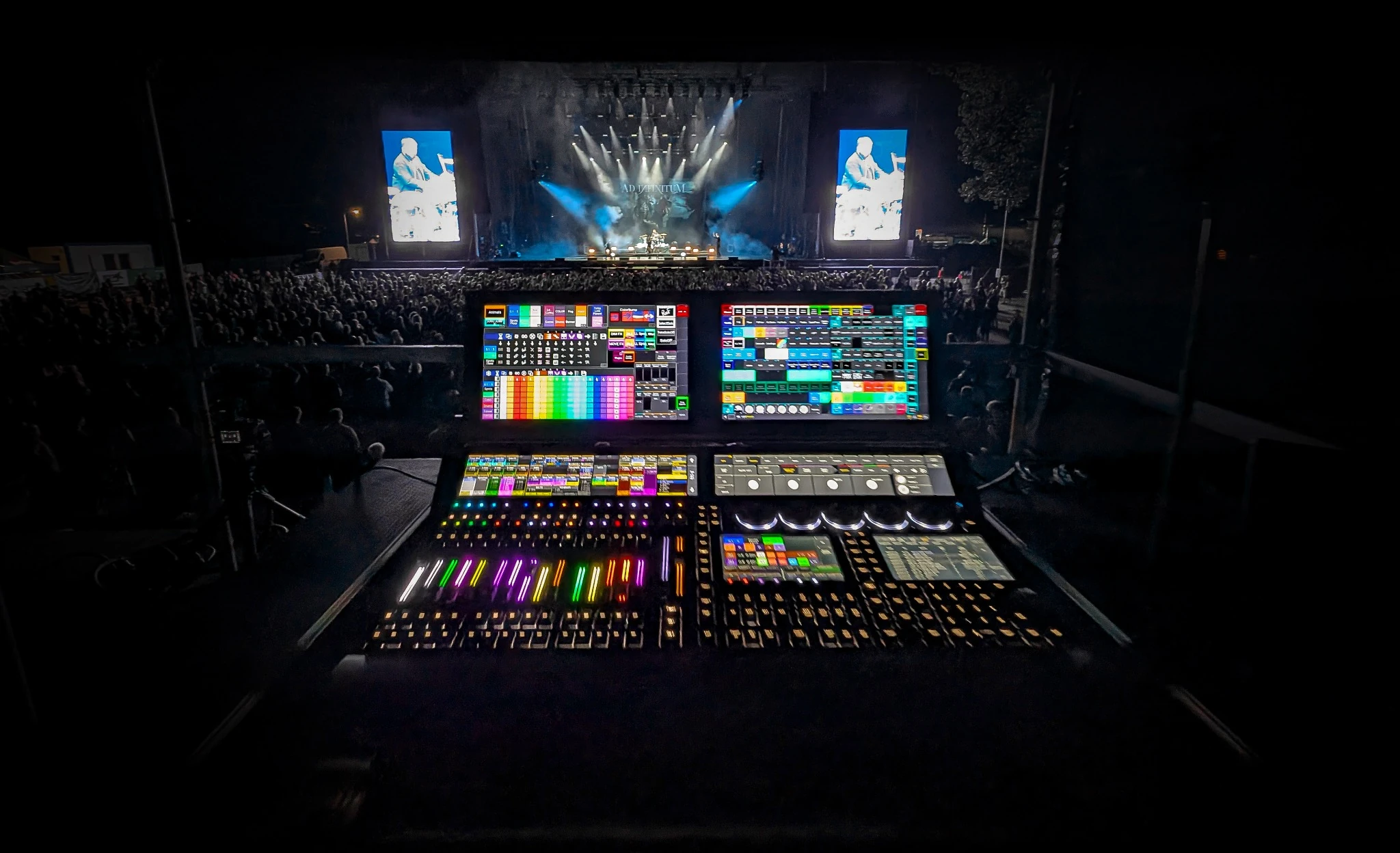
The integrated Web Remote gives you access to the MA3 native interface, while customizable controller buttons put essential programming commands right at your fingertips.
Select fixtures, adjust their positions, store or update presets and move on to the next — without constantly switching between different control interfaces - on Stage or at the desk.
Make it work your way.
Customize button assignments, joystick behavior and movement speeds to match your preferences. Save and recall different mappings and MA3 station profiles for different users, setups and workflows.
Use your handheld gaming device like the Steam Deck, ROG Ally, Legion Go or MSI Claw (tested on Steam Deck). Prefer working from your Windows laptop or PC? Connect your favorite gaming controller (tested with XBOX controller) and enjoy the same intuitive positioning experience.
Key features
Features.
- Intuitive Pan, Tilt & Zoom: Direct joystick control of selected moving heads.
- Precise positioning: Adjustable speed, sensitivity, acceleration, deadzone and axis inversion.
- Integrated MA3 Web Remote: Access the familiar grandMA3 interface and work with position presets.
- Gamepad-driven programming: Map essential console commands to buttons for a streamlined workflow.
- Customizable controls: Adapt button assignments and joystick behavior to your preferences.
- Recallable profiles: Save controller mappings and MA3 station configurations.
- Flexible hardware: Use compatible gamepads or handheld devices
- Platform support: Windows and Linux, compatible with grandMA3 consoles and MA3onPC.
Requirements and contents
What you need.
Windows and Linux, compatible with grandMA3 consoles and MA3onPC. Tested on Steam Deck and with an Xbox controller.
Included contents pending.
This app is independently developed by Max Freist for use with grandMA3. It is not affiliated with or endorsed by MA Lighting, Valve or ASUS.
Installation and support
Setup and help.
Installation instructions pending.
Support destination pending.